Vibe Coding
Recognize where fast, conversational building can help—and where engineering judgment is needed.
For developers, solo founders, and technical builders.
Learn practical lessons in prompting, architecture, agent workflows, and verification from an AI-assisted software project.
The case study is LottoMuse, a production web app I founded and built. I bring more than 20 years of software experience.
Ship Something This Weekend is a free companion PDF for beginners who want a starting point for AI-assisted building. You will enter your email on the next page to request it. The page also offers an optional checkbox for practical AI-building tips and occasional updates about the paid book and related products; you can request the guide without opting into those messages.
Get the Free GuideLessons from a SaaS project
Prompting, agents, and verification
Practical production lessons
Free companion guide
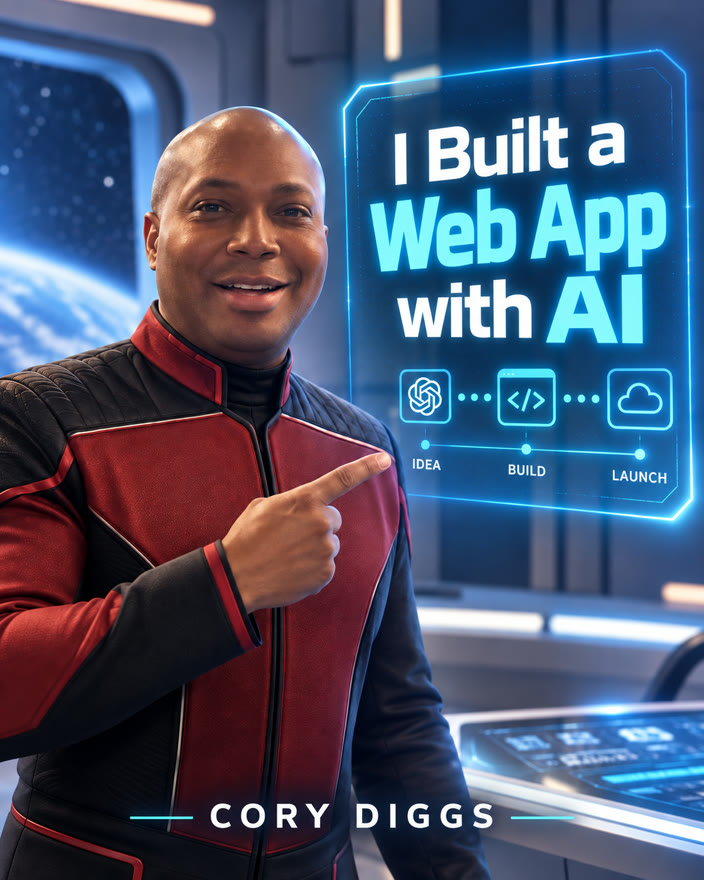
I wrote the book to share practical lessons from building a real web app with AI.
Recognize where fast, conversational building can help—and where engineering judgment is needed.
Use screenshots as part of an iterative interface-building workflow.
Consider what lies beyond the visible interface when shaping a working application.
Give AI clear boundaries and useful direction while keeping human judgment in the loop.
Explore multi-agent orchestration as part of an AI-assisted software workflow.
Check the work rather than assuming generated software is ready to ship.
Start with the problem and the outcome you want to build.
Use AI assistance to turn the idea into working software.
Apply constraints, review, and verification to guide the work.
Prepare the result for real use with human judgment intact.
Four practical parts of the book:
Apply eight prompting principles, including inspect before patch, preserve behavior, and verify narrowly.
Divide planning, coding, design, research, documentation, and coordination across specialist-agent roles.
Use verification gates, including browser-level Playwright checks before shipping.
Review a seven-point production-readiness audit covering the Dev/Prod split, health checks, and provider fallbacks.
Package Overview
A package-selection walkthrough to help you determine which format, toolkit, or bundle matches your development workflow.
Choose the E-Book for the PDF and its software-building lessons. Choose the Multimedia Edition to add the listed audio, video, visual resources, and study guide. Choose the Multi-Agent Kit for VS Code for the toolkit, or the Complete Bundle to bring the listed learning materials and toolkit together.
Explore the available formats, materials, and listed prices.
Compare all options in the Sales Guide
$4.99
Learn from a real SaaS build through lessons in prompting, architecture, agent workflows, and verification.
For developers, solo founders, and technical builders interested in those lessons.
Includes the full PDF ebook. The e-book does not include downloadable specialist agent files.
Buy Now · $4.99 USD$9.99
Add the listed audio, video, visual-resource, and study-guide materials to the e-book.
The editable PPTX, Multi-Agent Kit for VS Code, and Bundle-only bonuses are not included.
Buy Now · $9.99 USD$19.99
Explore an AI-assisted software workflow with this toolkit for VS Code and GitHub Copilot.
Optional MCP setup may require Node.js/npx, Python, and provider accounts or API keys. Optional third-party services may have their own fees.
This setup walkthrough is separate from the Multi-Agent Kit for VS Code demonstration.
Buy Now · $19.99 USD Watch the Multi-Agent Kit for VS Code demonstration$29.99
Explore the listed learning materials and toolkit together in the AI Builder Complete Bundle v1.0 (September 2026).
The editable PPTX is not included; the slide deck is PDF only.
Buy Now · $29.99 USDI am the founder of LottoMuse, a production web app. I bring more than 20 years across financial services, insurance, and telecommunications. In this book, I share lessons from building a real web app with AI.
If you are planning an AI-assisted app, considering an architecture decision, or have an implementation question, pick a time below for a 30-minute call to see whether a consultation may be a fit.
Please come with the project and the question you would like to discuss.
I share practical lessons from building a real web app with AI, and the companion guide offers a beginner-friendly starting point.